PSAppDeployToolkit Basics
TRAINING
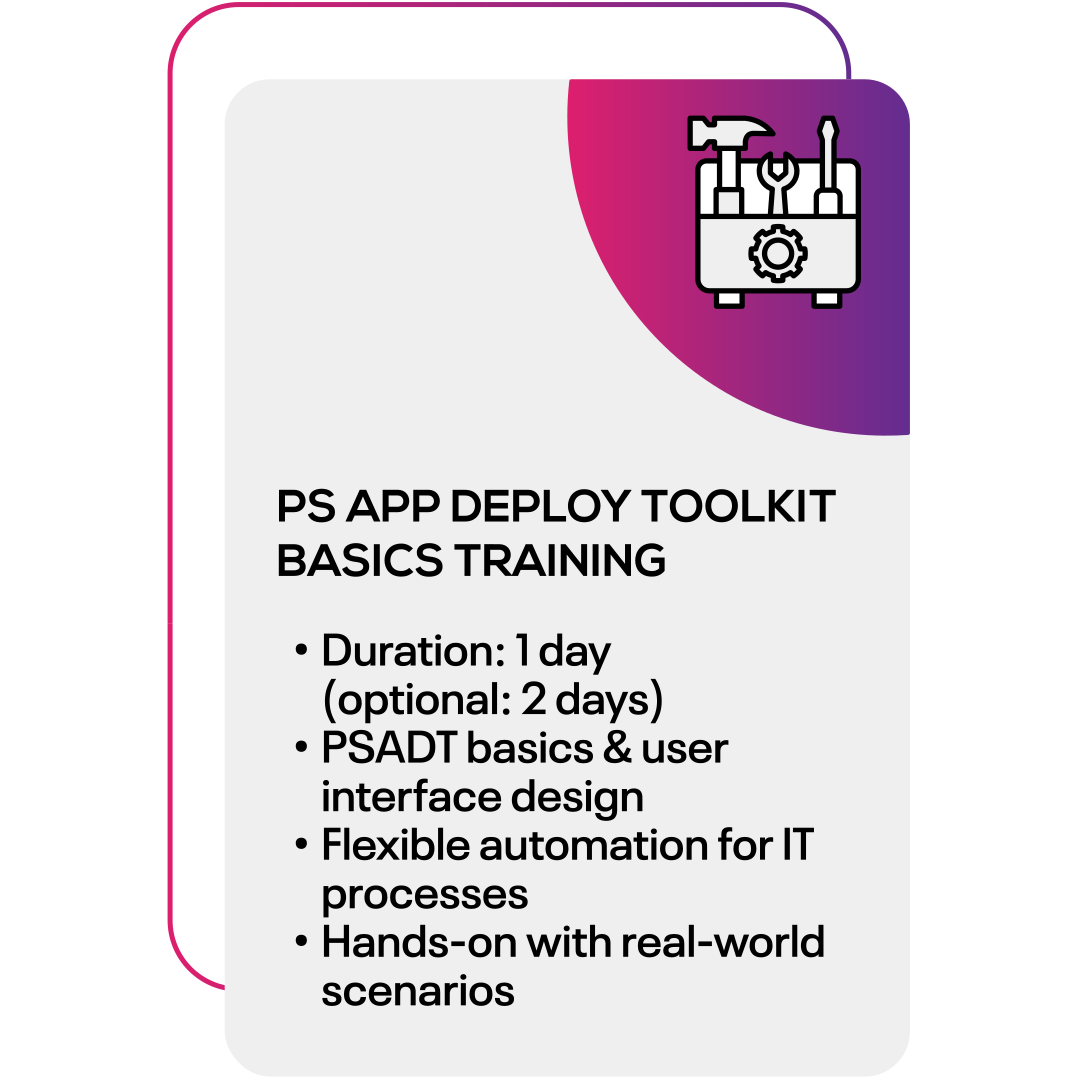
In this one-day training, you will discover how to optimize your software rollout using the PSAppDeployToolkit. Learn modern techniques to streamline your processes and enhance your workflow—perfectly tailored for today’s IT requirements.
Optionally, extend the training to two days and refresh your PowerShell fundamentals to get even more out of the toolkit. Start now and transform your deployment processes into flexible, powerful workflows that will noticeably simplify your daily routine.
FOR WHOM?
- IT administrators and technically skilled staff
- Customers seeking an initial overview
- Individuals interested in MDM solutions
BENEFITS
- Understand the Microsoft Intune approach
- Gain foundational app management skills
- Learn the Windows Autopilot process
OUTCOME
- Simplify device management
- Ensure compliance and control
- Boost IT efficiency
- Modernize device provisioning
- Optimize app deployment
PSAppDeployToolkit (PSADT) Basics
Duration: 1 hour
Learn how to download and properly install the PowerShell App Deployment Toolkit (PSADT).
Become familiar with the toolkit’s basic structure and create a simple initial script.
Get an overview of the key PSADT commands and how to use them effectively.

Graphical User Interface (GUI)
Duration: 1 hour
This level focuses on improving user interaction and making tailored adjustments.
Learn how to customize user dialogs and set up progress indicators for installations.
Integrate your own branding to create a more professional and user-friendly deployment experience.

Implementing Smart Logging
Duration: 2 hours
You’ll discover how to activate logging in PSADT and adjust the level of detail for your logs.
You'll analyze generated log files, read error logs, and define specific logging paths.
The goal is to enable transparent, traceable processes that support in-depth error diagnosis.

Automating Pre- & Post-Actions
Duration: 2 hours
Learn to configure targeted pre-install tasks, such as closing interfering processes, before installation begins.
Execute post-install scripts are then executed, and define the conditions under which they run.
Test your actions and integrate user prompts where needed.

Handling Errors Like a Pro
Duration: 2 hours
This module focuses on professional error handling.
Figure out how to evaluate error codes, define exit codes, and implement smart solutions for various problems.
Ensure safe uninstall processes and verify app detection mechanisms.
Discover fallback strategies to round it up.

PowerShell Refresher (Optional)
Duration: 8 hours
This optional module is aimed at participants who need a refresher in PowerShell basics.
Understand, how to use variables effectively, create simple functions, and master data flows using pipelines.
Strengthen essential PSADT-related commands and benefit from practical trainer tips.
